Directory
Feature: Things to find
A big area like Bangkok shows its categories as tiles with Organic Maps' icons and counts, the way soidb.com's city pages do, instead of one endless list.
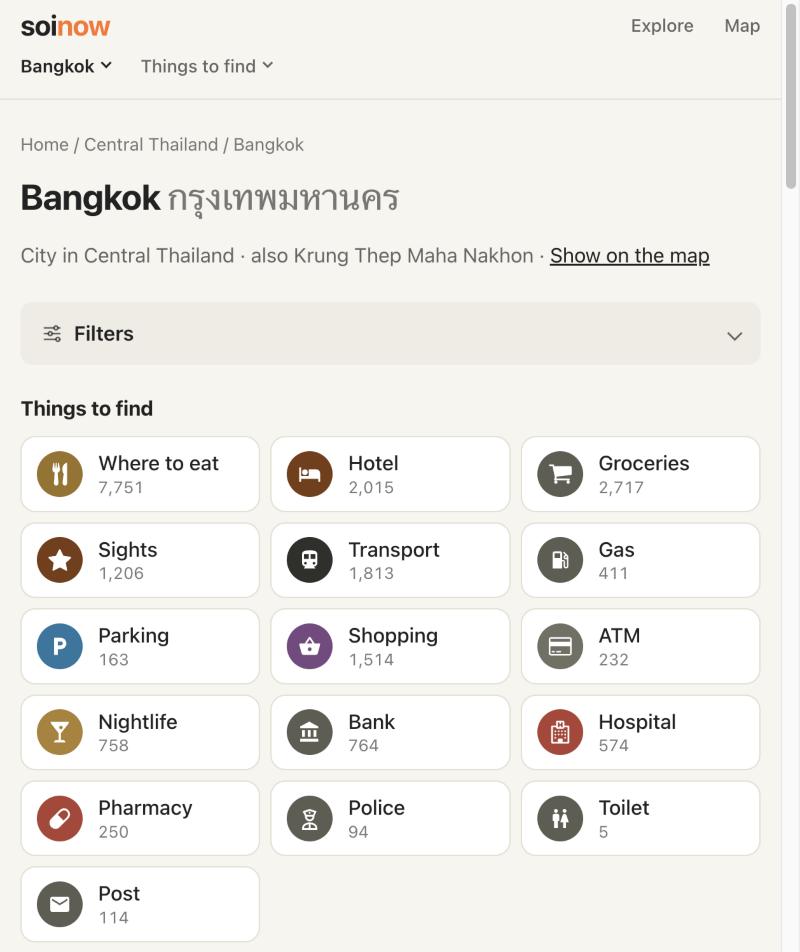
Feature: Pages for categories, types and cuisines
Each category has its own page (/destination/bangkok/hotel), and so do its types and the cuisines of its places, alone or together: "Hostel in Bangkok", "Japanese · Where to eat in Bangkok", "Japanese restaurants". Each row of chips counts within the other's choice.
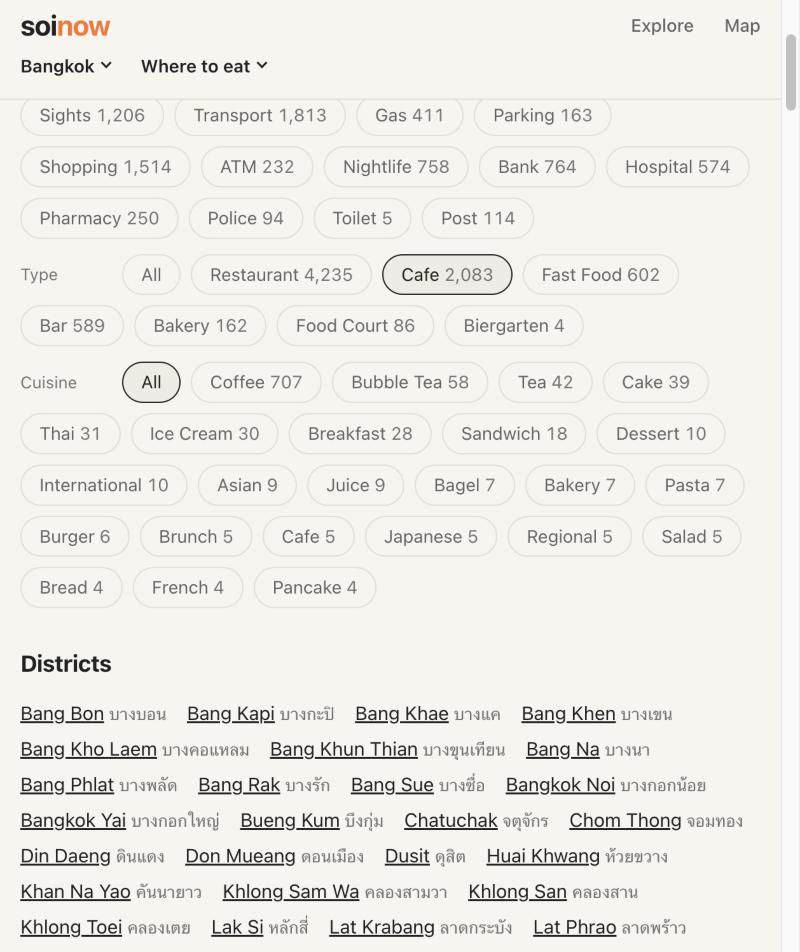
Feature: Sukhumvit Road and its sois
Sukhumvit Road and its 121 numbered sois in Bangkok are the first curated streets, each with a page of its places.
Feature: A map on every page
Every area, street and landmark page ends with its own map: the street as a line, the area as an outline.
Map
Feature: Icons like Organic Maps
Each kind of place appears from the zoom Organic Maps shows it at, and where icons collide the more important one stays, using Organic Maps' own priorities.
Feature: Places from the directory
A place picked in a directory list opens on the map as the selected pin with its place card.
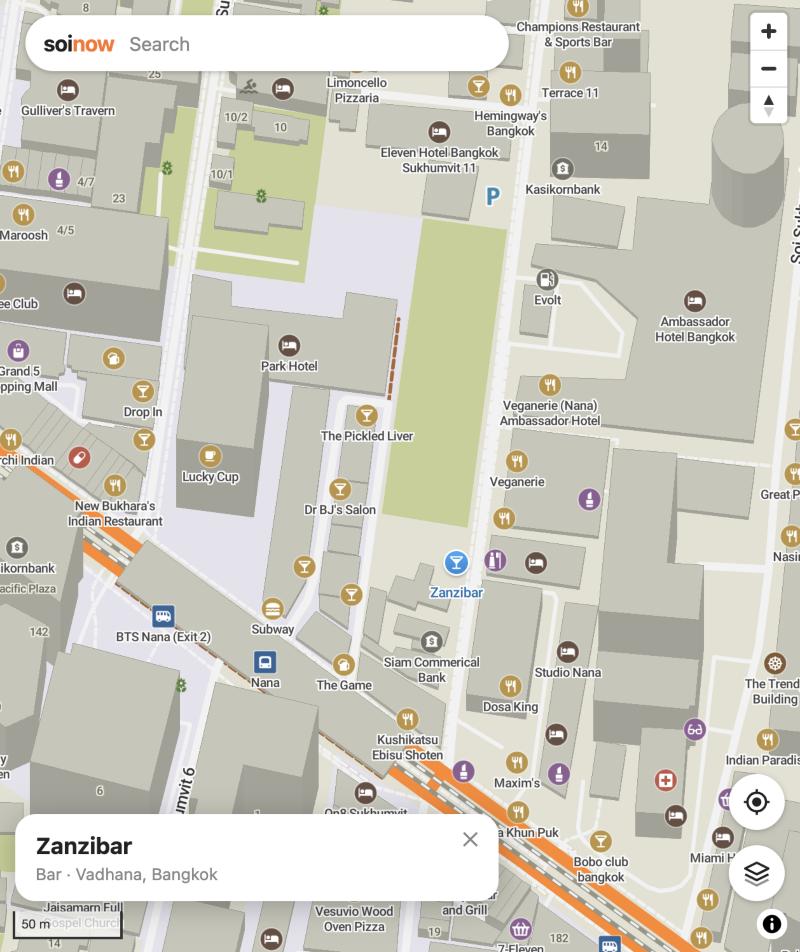
Feature: The layers sheet
Swipe the map layers sheet down to close it, and the search bar leads back to the start page.
Search
Feature: Results follow the map
As in Organic Maps' viewport search, moving the map searches the new view again, and category results are spread over the whole view, one per pin, instead of crowding around its centre.